
Make yourself at home.
Choose your device and follow its short installation guide.
Choose a device ↗Your playlists. Your favourite screen. A thoughtfully designed media player that makes getting to what you love feel effortless.
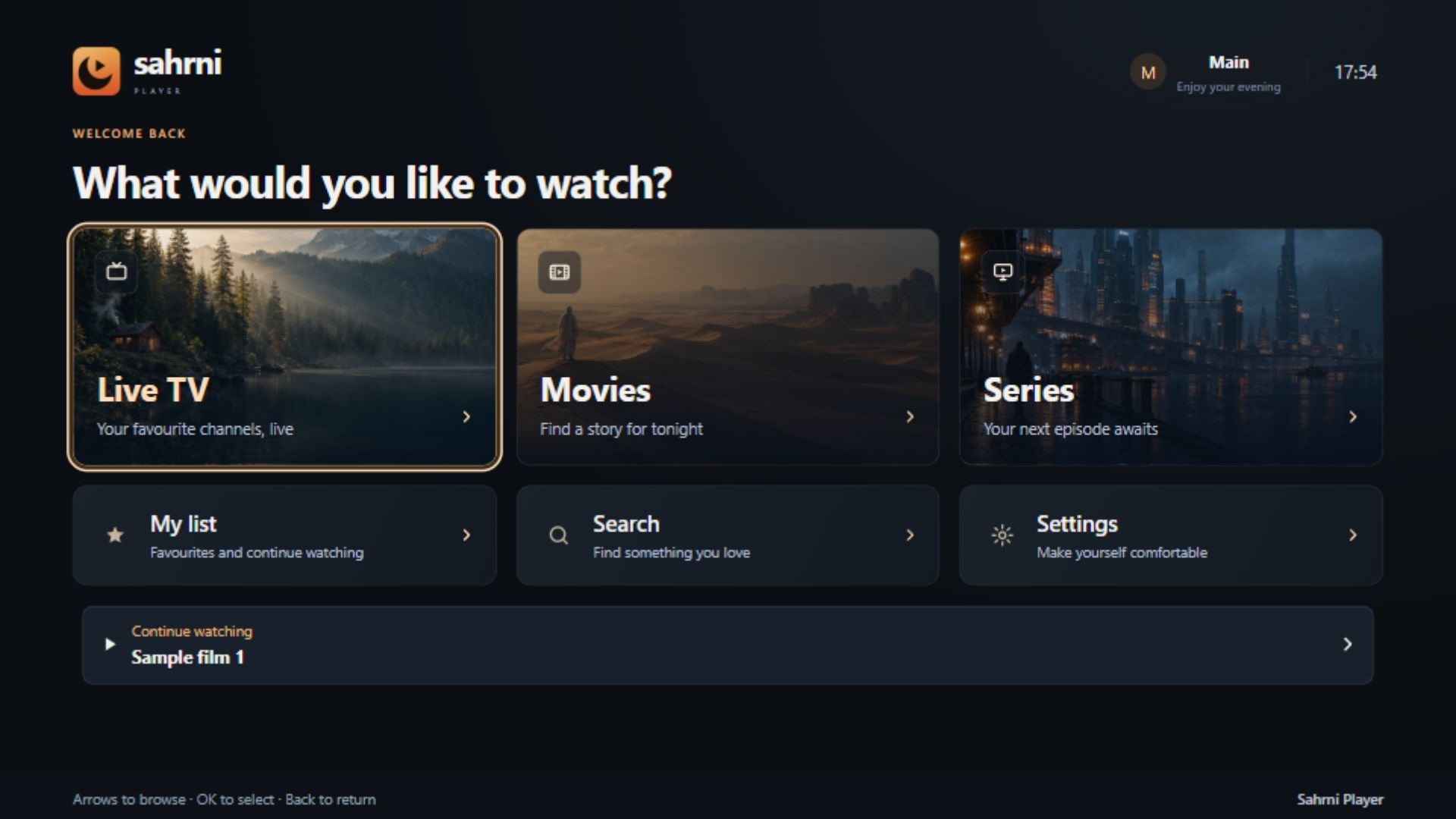
No complicated setup. Just your device and the playlist you already have.
Choose your device and follow its short installation guide.
Choose a device ↗Open Sahrni. You’ll find your device ID and key inside the app.
Where do I find my key? ↗Add your own playlist here, then refresh it on your TV. Settle in.
Manage my playlists ↗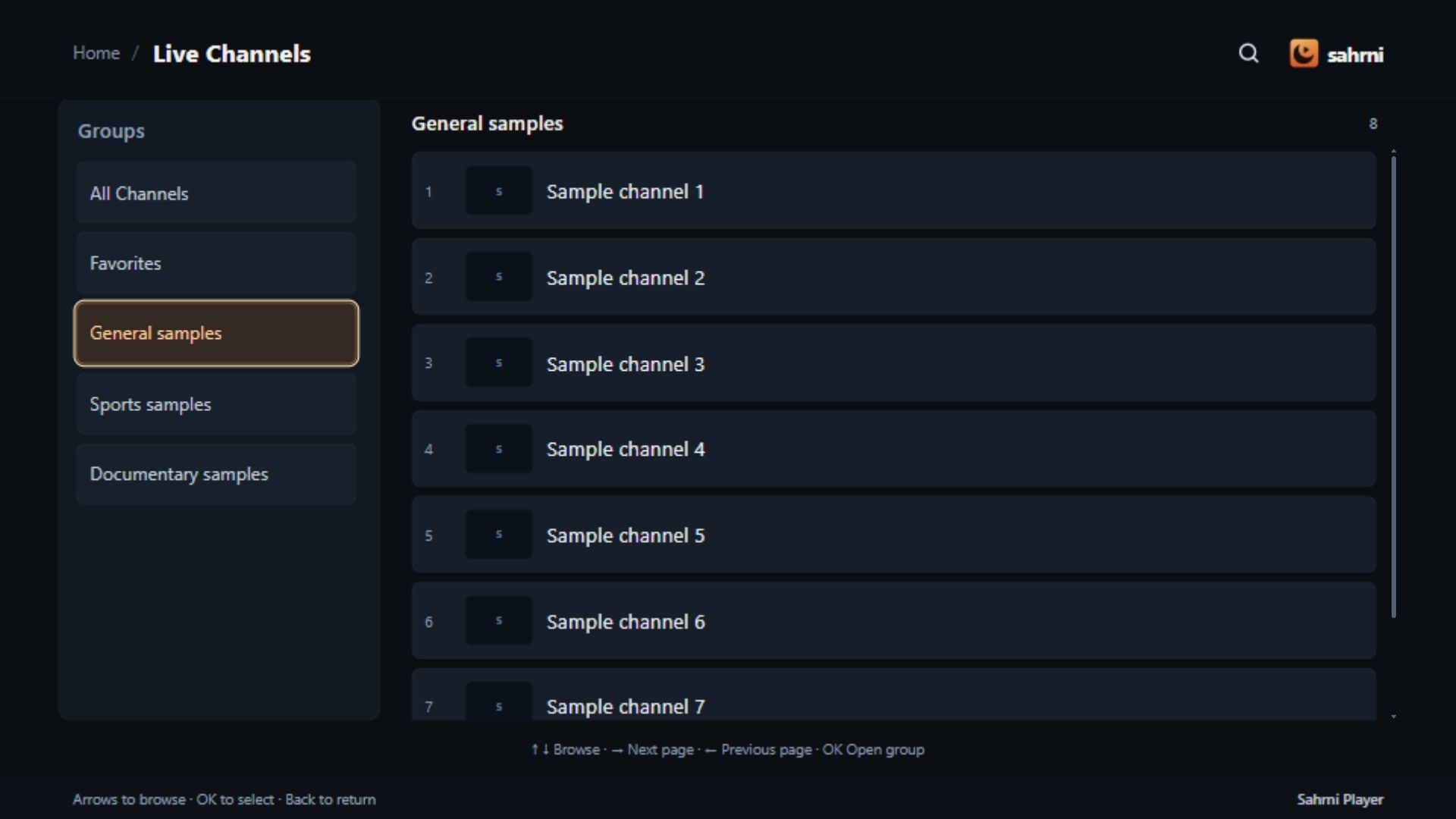
Clear choices. A visible focus. An easy way back.
Find your groups and browse the channels inside them.
Keep the channels you return to within easy reach.
Explore Sahrni with a 7-day trial. Bring your own playlist.
No. Sahrni is a media player. You add your own playlist and must have permission to access its content.
Install and open Sahrni first. Use the device ID and key shown in the app to sign in to Manage playlists. Add your playlist, then refresh your library on the TV.
The Samsung release is currently under store review. Installation details will be available here after approval and availability are confirmed.
The standard trial is 7 days. Any temporary extended trial is shown in the app and on your device page. Activation covers the player, not a content subscription.